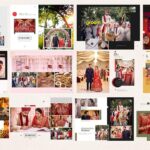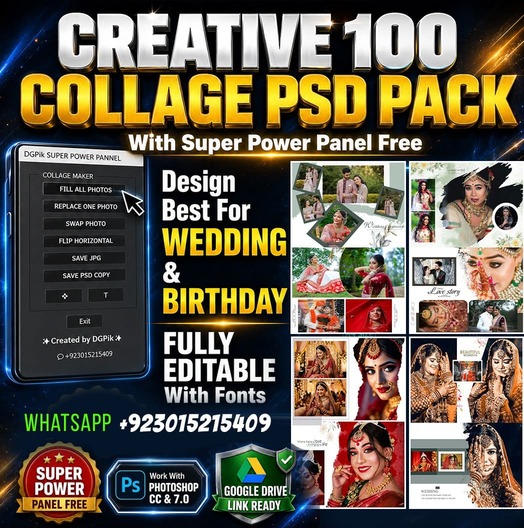
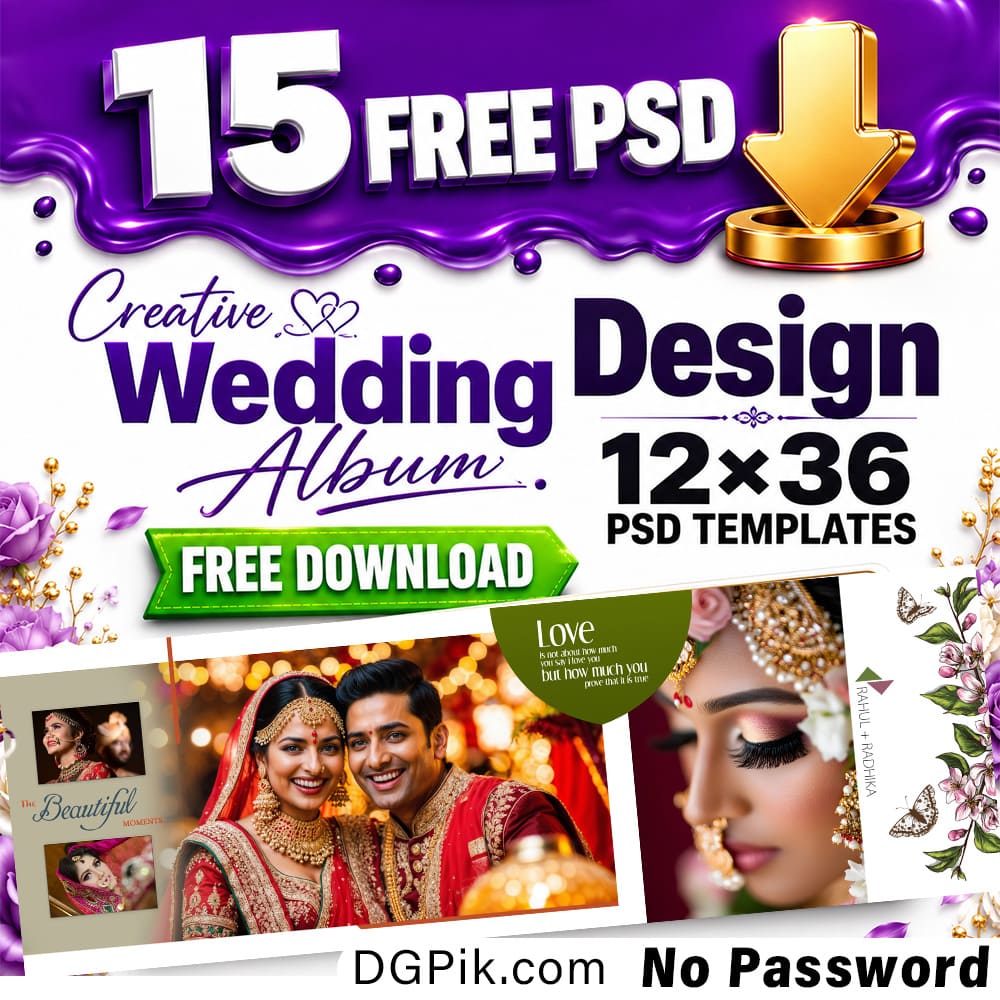

Download 15 free 12×36 Wedding Album Pages PSD templates for your wedding album design work. This Free Files PSD pack is useful for wedding photographers, album designers, Photoshop editors, photo studios, and graphic designers who need ready-made wedding album inner pages for client projects.
This free download includes 15 fully editable PSD pages in 12×36 Wedding Album size. The templates are designed in 300 DPI quality for Photoshop editing and print-ready album work. Each page can be customized with client photos, wedding details, colors, text, and background elements. The download is available directly from DGPik.com with no password, making it easy for designers to use these files in regular wedding editing work. You Can Also Downlaod BEST 12X36 Creative Wedding Album Frame 670 PSD
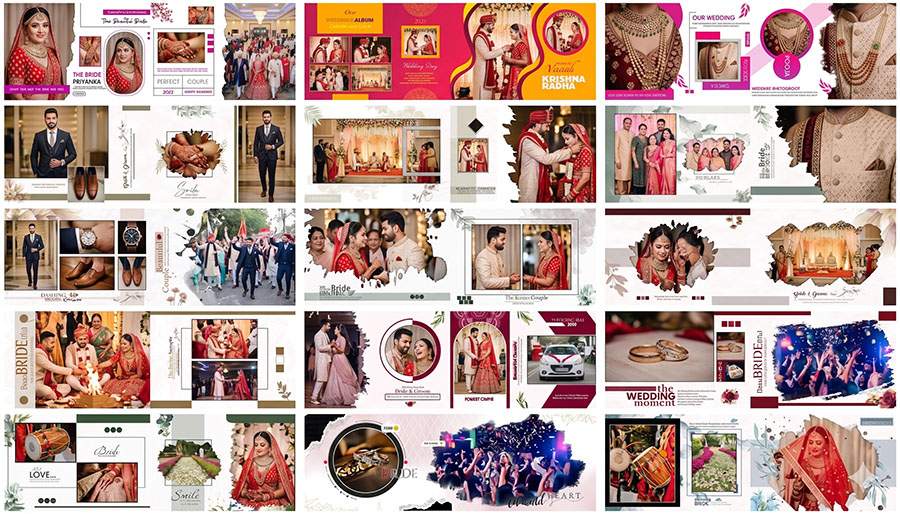
15 Free 12×36 Wedding Album Pages PSD Download 2026
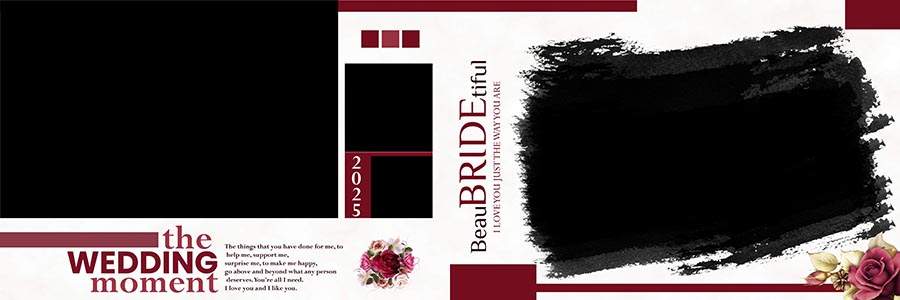
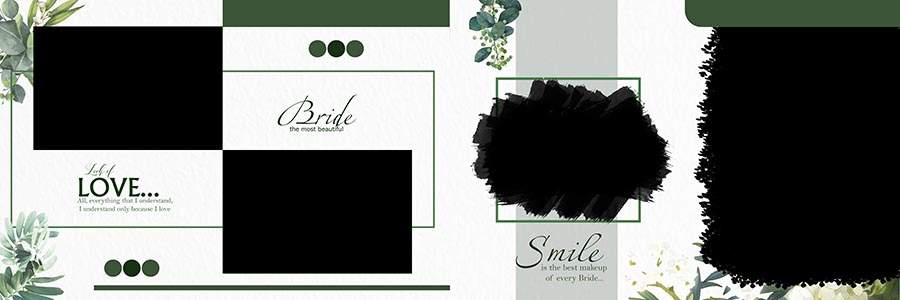
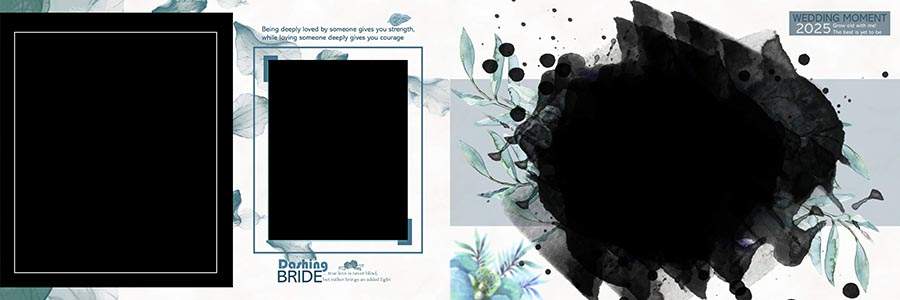
This PSD collection includes 15 free Wedding Album inner page designs made in 12×36 size. Every file is provided in fully editable PSD format, so you can open the design in Adobe Photoshop and adjust the layout according to your client’s album requirement. The pages are prepared in 300 DPI resolution, which is suitable for high-quality album printing and professional wedding album presentation.
The main preview shows a mixed wedding album layout style with Bride and Groom PSD photo arrangements, wedding ceremony pages, couple portraits, jewelry details, groom accessories, family moments, stage decoration, and event-based layouts. Some pages use clean 4-photo and 5-photo arrangements, while other designs include multiple photo frames for a modern collage-style album page. These 12×36 wedding album PSD designs can be used for engagement, wedding, haldi, mehndi, reception, and complete album storytelling projects.
This free pack is also suitable as a sample collection for designers who want to check the design style before choosing a bigger premium wedding album PSD collection. The files are easy to download, easy to edit, and do not require any password. After downloading, you can replace sample images, adjust colors, edit text, and export the final album page for printing or client preview.
Download Preview PSD Files
Scroll below to check each PSD Preview and click the download button under the design you want. You can add the real preview image and download link for each PSD page publishing the post on DGPik.com.
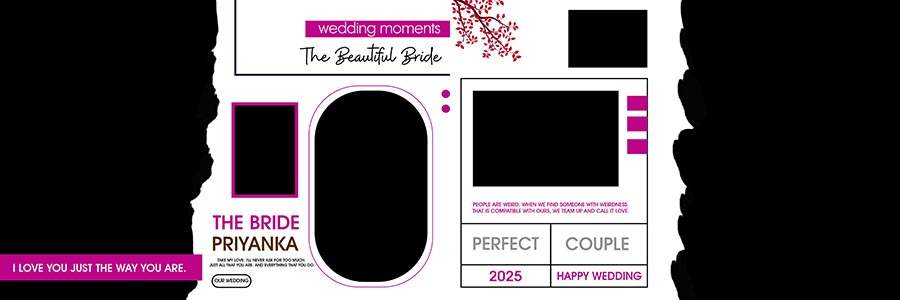

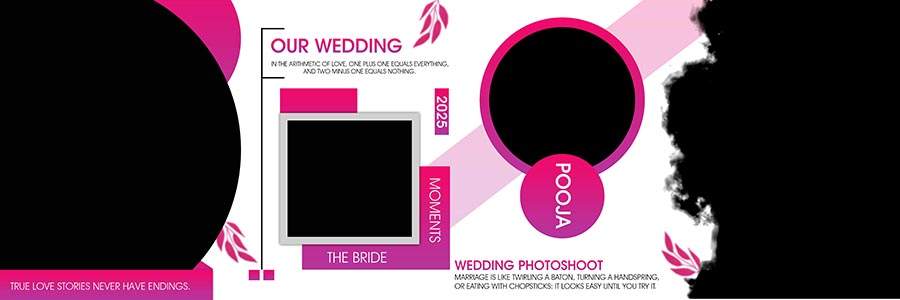
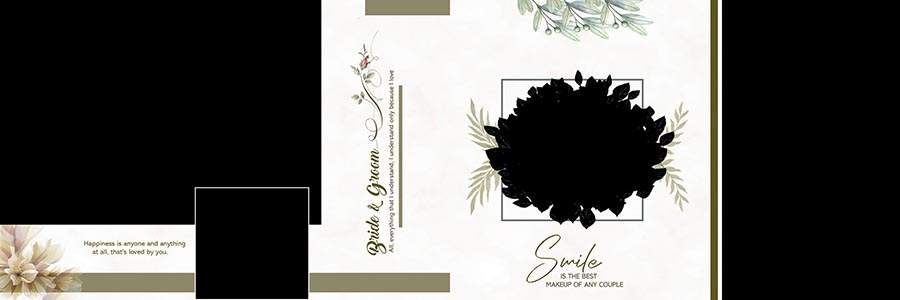
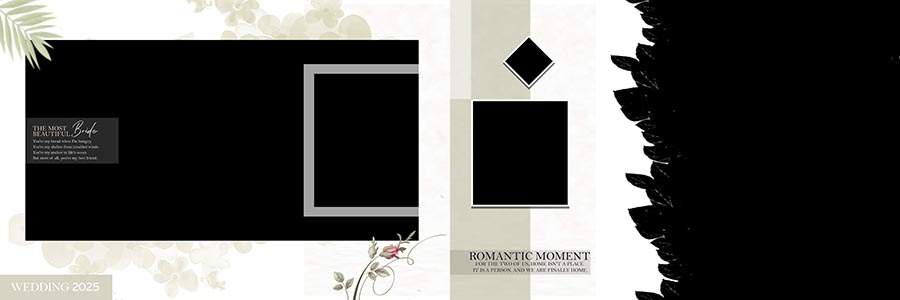
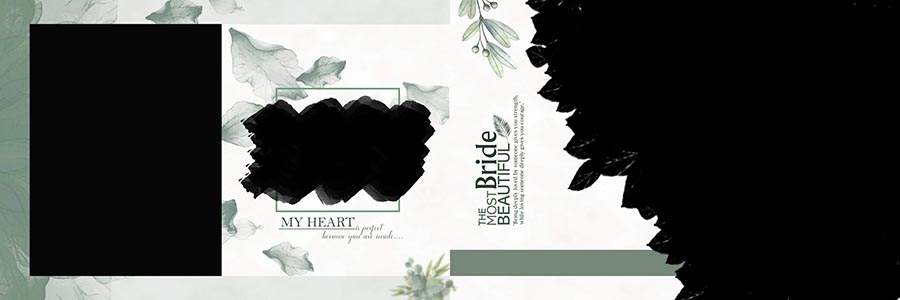
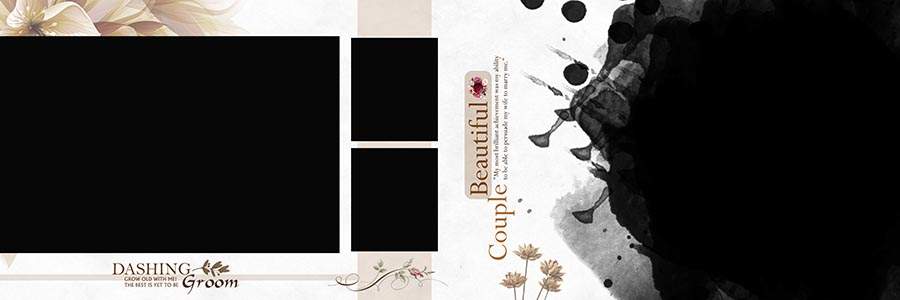
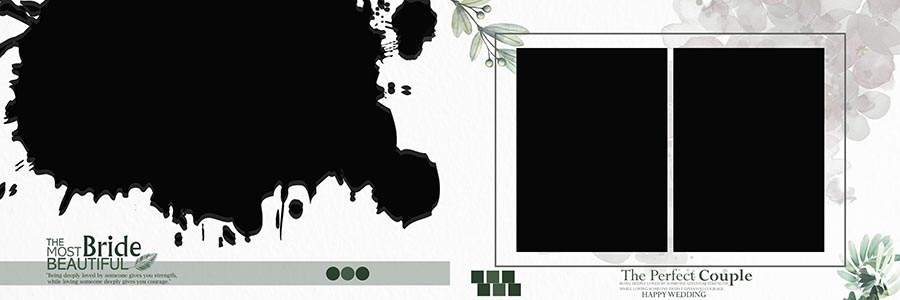
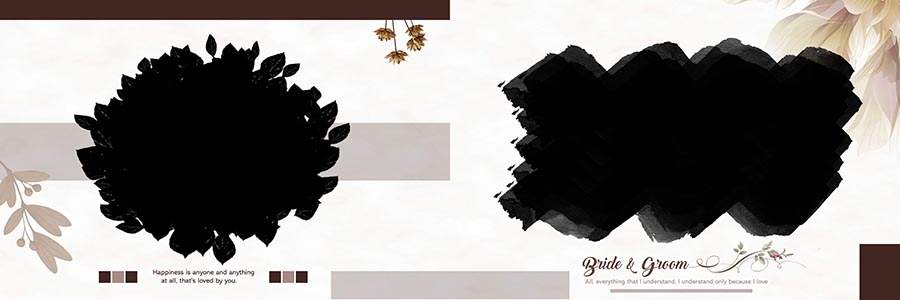
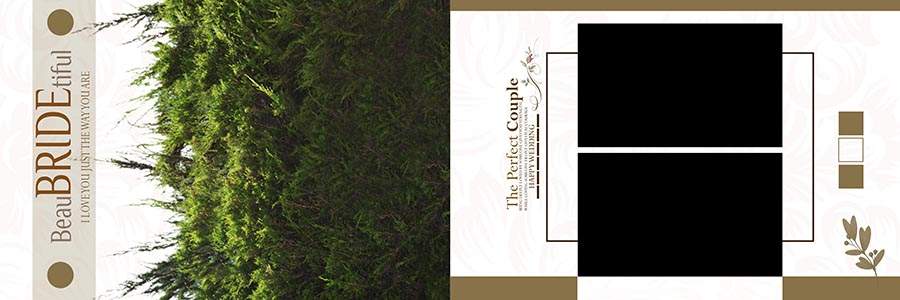
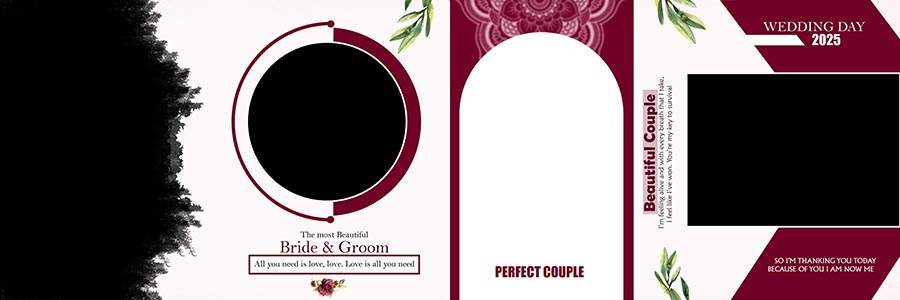

How to Customize These PSD Templates
These wedding album PSD pages are made for Adobe Photoshop users. You can edit the photo frames, text, color tone, background, and design elements according to your project. Designers who use Photoshop action resources can also apply their preferred color correction or retouching workflow before placing photos in the album layout.
- Download the PSD file from the given download button.
- Extract the file using WinRAR if the download is provided in ZIP or RAR format.
- Open the PSD file in Adobe Photoshop.
- Find the photo layers, clipping masks, or smart object placeholders.
- Replace sample photos with your client’s wedding photos.
- Edit text, color, background, shadow, and design elements if needed.
- Save the final page as JPG, PNG, or print-ready output for album printing.
Template Features
- Total Designs: 15 PSD Pages
- Album Size: 12×36 Wedding Album Pages
- File Format: Fully Editable PSD
- Resolution: 300 DPI
- Software: Adobe Photoshop
- Password: No Password
- Download Type: Direct Download from DGPik.com
- Design Type: Wedding Album Inner PSD and 12×36 Wedding Album Pages PSD
- Photo Capacity: Different pages support 4 photos, 5 photos, and multiple photo arrangements
- Best For: Wedding photographers, album designers, Photoshop editors, photo studios, and graphic designers
Frequently Asked Questions
Are these 12×36 Wedding Album Pages PSD files fully editable?
Yes, these PSD pages are fully editable in Adobe Photoshop. You can replace photos, edit text, adjust colors, change backgrounds, and customize design elements according to your project.
How many free PSD pages are included in this download?
This free download includes 15 wedding album page PSD files in 12×36 size. Each page is designed for wedding album inner page editing.
Do I need a password to open the downloaded files?
No, this free PSD pack is provided with no password. If the file is compressed, simply extract it and open the PSD file in Adobe Photoshop.
Which software is required to edit these wedding album PSD templates?
You need Adobe Photoshop to edit these templates. The designs are provided in PSD format, so Photoshop is recommended for proper layer editing and photo replacement.
Can I use these PSD pages for client wedding albums?
Yes, wedding photographers, photo studios, and album designers can use these PSD pages for client album design work. You should replace all sample photos with your own client images before final printing.
Is this free pack part of a premium wedding album PSD collection?
This free pack can be presented as a sample from a bigger premium wedding album PSD collection. You can add the premium demo link and WhatsApp purchase link in the premium section.
Conclusion
This 15 Free 12×36 Wedding Album Pages PSD Download 2026 pack is a useful resource for designers who need editable wedding album inner pages for Photoshop. The layouts include bride and groom designs, ceremony pages, family moments, detail shots, haldi and mehndi-style pages, and modern collage arrangements.
Download the free PSD files, customize them in Adobe Photoshop, and use them for professional wedding album projects. For more related resources, you can also add internal links to free wedding album PSD templates, 12×36 wedding album PSD designs, collage PSD templates, and the full premium wedding album PSD collection on DGPik.com.