

DGPikDGPik
  • Wedding Album PSD
  • Photoshop Add-ons
    • Photoshop Plugins/Panel
    • Photoshop Gradients
    • Camera Raw Presets
    • Photoshop Brushes
    • Photoshop Actions
    • Layer Styles
  • Lightroom Presets
  • Free Mockups
  • Backgrounds
  • Photo Overlays
  • LUTs
DGPikDGPik
Search
Follow US
Copyright © 2014-2023 Ruby Theme Ltd. All Rights Reserved.
Psd FilesWedding Album PSD

12×36 Wedding Album Covers PSD Pack 01

Published February 3, 2023
SHARE

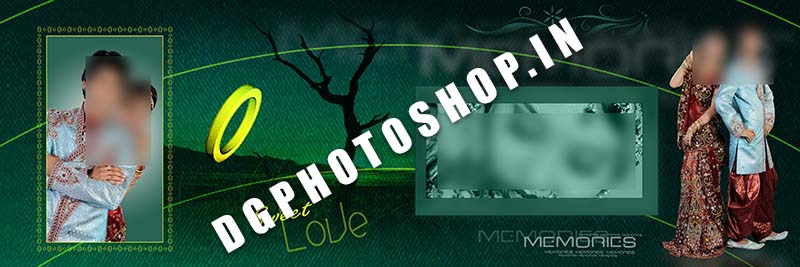
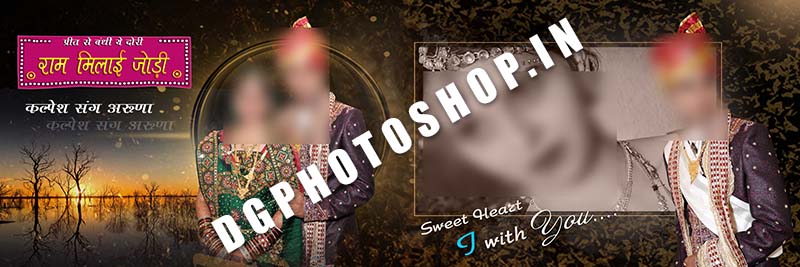
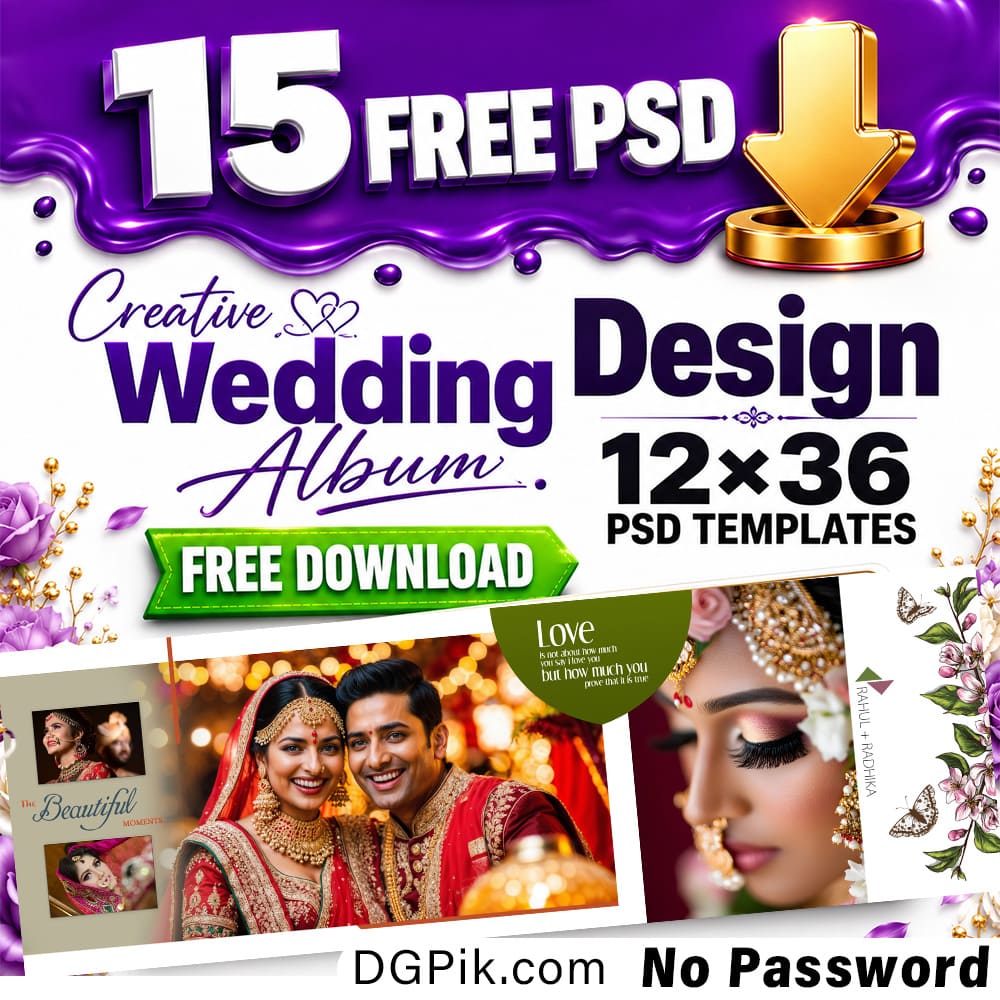
12×36 Wedding Album Covers PSD Pack 01 Free Download In today’s post, you will get the Creative and New 10 PSD 12×36 Wedding Album Covers PSD Pack 01 Free Download. If you are a wedding album designer or Photographer and if you have Photo Studio Workshop then this is the right Website for you. We are sharing here all needs for album designing materials Like Wedding Album Photoshop PSD, Fonts, Studio Backgrounds, Photo Collages, logos, Cards Design, Wedding Clip-arts, and all needs graphic designing materials. Keep in touch with our website.  You Can Also Downlaod 12×36 Wedding Album Covers

12x36 Wedding Album Covrs PSD Pack 01 dgpik

A 12×36 wedding album cover PSD is a digital design template in the Photoshop format with a size of 12 inches by 36 inches, typically used for creating custom wedding photo album covers. This type of template usually includes layers, graphics, and design elements that can be easily edited to suit your specific needs and preferences.  You Can Also Downlaod 12×36 Wedding Album Covers PSD Pack 02

How to use 12×36 Wedding Album Covers PSD

To use a 12×36 wedding album cover PSD template, you will need to have Adobe Photoshop software installed on your computer. Once you have the software, follow these steps:

  1. Open Adobe Photoshop and select “File” and then “Open” to locate and open the PSD template file.
  2. Review the template design and identify the editable layers, graphics, and text elements.
  3. Select and modify the elements as desired using the tools in Photoshop such as the Layers panel, Brush tool, Text tool, and others.
  4. Add your own images, text, and graphics as needed. You can also adjust the colors, font styles, and other design elements to match your preferred aesthetic.
  5. Save the final design by selecting “File” and then “Save As” and choosing a format such as JPEG, PNG, or TIFF.

Note: If you are not familiar with Adobe Photoshop, it is recommended to take some time to learn the basics before attempting to use a PSD template. There are many tutorials and online resources available to help you get started.

12×36 Weding Album Covers (01) PSD

Download now dgpik

12x36 Wedding Album Covers dgphotoshop (1)

12×36 Weding Album Covers (02) PSD

Download now dgpik

12x36 Wedding Album Covers dgphotoshop (2)

12×36 Weding Album Covers (03) PSD

Download now dgpik

12x36 Wedding Album Covers dgphotoshop (3)

12×36 Weding Album Covers (04) PSD

Download now dgpik

12x36 Wedding Album Covers dgphotoshop (4)

12×36 Weding Album Covers (05) PSD

Download now dgpik

12x36 Wedding Album Covers dgphotoshop (5)

12×36 Weding Album Covers (06) PSD

Download now dgpik

12x36 Wedding Album Covers dgphotoshop (6)

12×36 Weding Album Covers (07) PSD

Download now dgpik

12x36 Wedding Album Covers dgphotoshop (7)

12×36 Weding Album Covers (08) PSD

Download now dgpik

12x36 Wedding Album Covers dgphotoshop (8)

12×36 Weding Album Covers (09) PSD

Download now dgpik

12x36 Wedding Album Covers dgphotoshop (8)

12×36 Weding Album Covers (10) PSD

Download now dgpik

12x36 Wedding Album Covers dgphotoshop (10)

Password is | dgphotoshop.in

2023 Super Magic Automatic Wedding Album Inner PSD

Check Full Demo

Watch VIDEO DEMO

The file is compressed using Zip or Rar format…please use Winrar to extract this file 

How to UnZip
“Unzip” refers to the process of extracting the contents of a RAR archive file. Here are the steps to unrar a RAR file on different operating systems:

Windows:

  1. Download and install a RAR extraction tool, such as WinRAR or 7-Zip.
  2. Right-click on the RAR file you want to extract and select “Extract files.”
  3. Choose a destination folder where you want to extract the contents.
  4. Click on “OK” and the extraction process will begin.

macOS:

  1. Download and install a RAR extraction tool, such as The Unarchiver or Keka.
  2. Double-click on the RAR file you want to extract.
  3. The contents of the RAR file will be extracted to the same directory as the RAR file.

Linux:

  1. Open the terminal.
  2. Navigate to the directory where the RAR file is located using the “cd” command.
  3. Type the following command to extract the contents of the RAR file: “unrar e [filename].rar”. Replace “[filename]” with the actual name of your RAR file.
  4. The contents of the RAR file will be extracted to the same directory as the RAR file.

Share This Article
Facebook Twitter Copy Link Print

Popular Posts

2025 One Click Pro 4.8 & Album Quicker 6.8
Album Design Software
The Crystalline Collection Photoshop Action Free
The Crystalline Collection Photoshop Action
Photo Effect
THE FLORA COLLECTION Photoshop Action
The Flora Collection Photoshop Action
Photo Effect
THE WANDERLUST COLLECTION Photoshop Action
The Wanderlust Collection Photoshop Action
Photo Effect
THE ROYAL COLLECTION Photoshop Action
The Royal Collection – Photoshop Action Preset
Photo Effect

Categories

  • 12×36 Spread Design
  • 12×36 Templates
  • 16×24 Album Design
  • Adobe Photoshop Tutorial
  • Album Design
  • Album Design Software
  • Album DM Pack
  • Alphabet Letters
  • Anniversary Gifts
  • Artistic Editing
  • Baby Album PSD
  • Baby Photography
  • Backgrounds
  • Banners
  • Birthday Album PSD
  • Birthday Collage
  • Birthday Design
  • Birthday Templates
  • Branding
  • Business Card Psd
  • Camera Raw Assets
  • Camera Raw Presets
  • Camera Raw Tools
  • Cinematic Design
  • Clip Part
  • Close-up Designs
  • Collage Design
  • Creative Design
  • Digital Assets
  • Digital Backgrounds
  • Digital Bundle
  • Digital Downloads
  • Digital Invitations
  • Digital Products
  • Digital Stationery
  • Digital Studio Tools
  • Double Exposure PSD
  • Facebook Covers
  • Floral Album Design
  • Flyers
  • Fonts
  • Format Design
  • Gift Items
  • Graphic Design
  • Graphic Design Assets
  • ID Card Design
  • Illustrator Files
  • Indian Wedding Designs
  • Indian Wedding Vidhi
  • Inner Sheet Templates
  • Instagram Templates
  • Invitation Branding
  • Kids Album Design
  • Kids Modeling PSD
  • Kids Photography
  • Kids Studio Design
  • Large Format Designs
  • Layer Styles
  • Lettering Font Png
  • Lightroom Presets
  • Logo Design
  • LUTs
  • Marathi Wedding PSD
  • Mobile Invitations
  • Mug Design PSD
  • Photo Collage Frame
  • Photo Effect
  • Photo Frame PSD
  • Photo Frames
  • Photo Overlays
  • Photography Assets
  • Photography Automation
  • Photography Marketing
  • Photography Presets
  • Photoshop Actions
  • Photoshop Add-ons
  • Photoshop Brushes
  • Photoshop Gradients
  • Photoshop Plugins
  • Photoshop Plugins/Panel
  • Photoshop Shapes
  • Photoshop Templates
  • Photoshop Tools
  • Photoshop Video Tutorial
  • PNG Files
  • Portfolio Packs
  • Portrait Photography
  • Portrait Tools
  • Pre-Wedding PSD
  • Premium Prouduct
  • Psd Files
  • Psd Mockup
  • Save the Date
  • Social Media Design
  • Software
  • Stock Photo
  • Studio Background
  • Studio Backgrounds
  • Sublimation Printing
  • Text Effects
  • Textures
  • Transitions Pack
  • Vector Files
  • Wedding Album Inner PSD
  • Wedding Album PSD
  • Wedding Cover PSD
  • Wedding Design
  • Wedding Editing
  • Wedding Editing Tools
  • Winter Graphics Bundle

You Might Also Like

Best 25 Studio Background in PSD Free

Best 25 Studio Background in PSD Free

Backgrounds
29 Pack School Education Web Banner Template

29 Pack School Education Web Banner Template

Banners

Best 12×36 Wedding Album Covers PSD Pack 04

Wedding Album PSD
Cap & Box Psd Mock-up

Cap & Box Psd Mock-up

Psd Files
© 2016-2025 All rights reserved DGPik.com
  • Contact us
  • DMCA
  • Privacy Policy
  • Terms and Conditions
Welcome Back!

Sign in to your account

Username or Email Address
Password

Lost your password?